 Mochi Labs
Instagram for Small Business: The Complete Guide to Instagram and TikTok
A practical guide to Instagram for small business, plus TikTok: setting up shop, picking content pillars, a posting rhythm, and examples you can copy today.
· We keep this page up to date, so bookmark it and come back.
Your Instagram page is doing one of two things for your business right now: working quietly in the background, or sitting there half-finished, a few blurry photos and a bio nobody reads. Most small business accounts land closer to the second one, not for lack of care, but because nobody ever handed the owner a plan built for a business that also has doors to open and phones to answer. This is that plan: setting up Instagram properly, where TikTok fits for a business instead of a creator, a posting rhythm that survives a busy week, and what it all looks like for a salon, a cafe, a boutique, a real estate office, and a studio.
Instagram for Small Business, Without the Guesswork
Instagram for a small business isn't the same job as Instagram for an influencer. You're not chasing reach for its own sake. You're trying to turn a scroll into a walk-in, a DM, or a booking, and that changes almost every decision below, from what you post to how you write your bio. Treat it as a storefront with a camera pointed at it, not a popularity contest, and most of the rest of this gets easier.
Setting Up Instagram for Your Business
Get the foundation right once and you stop having to think about it every week.
Switch to a Business Account and Fill Out Every Field
If you're still on a personal profile, switch first. A business account unlocks a contact button, a category label, and insights on who's actually seeing your posts. Fill out every field: category, address if you have a storefront, hours, and a contact option. A real estate agent who leaves the category blank looks like a hobby account next to one that's clearly labeled.
Write a Bio a Stranger Can Act On
Your bio has about five seconds to tell a stranger what you do and what to do next. Skip the inside jokes and the vague tagline. State the business, the location if it matters, and one clear action: book, shop, or message.
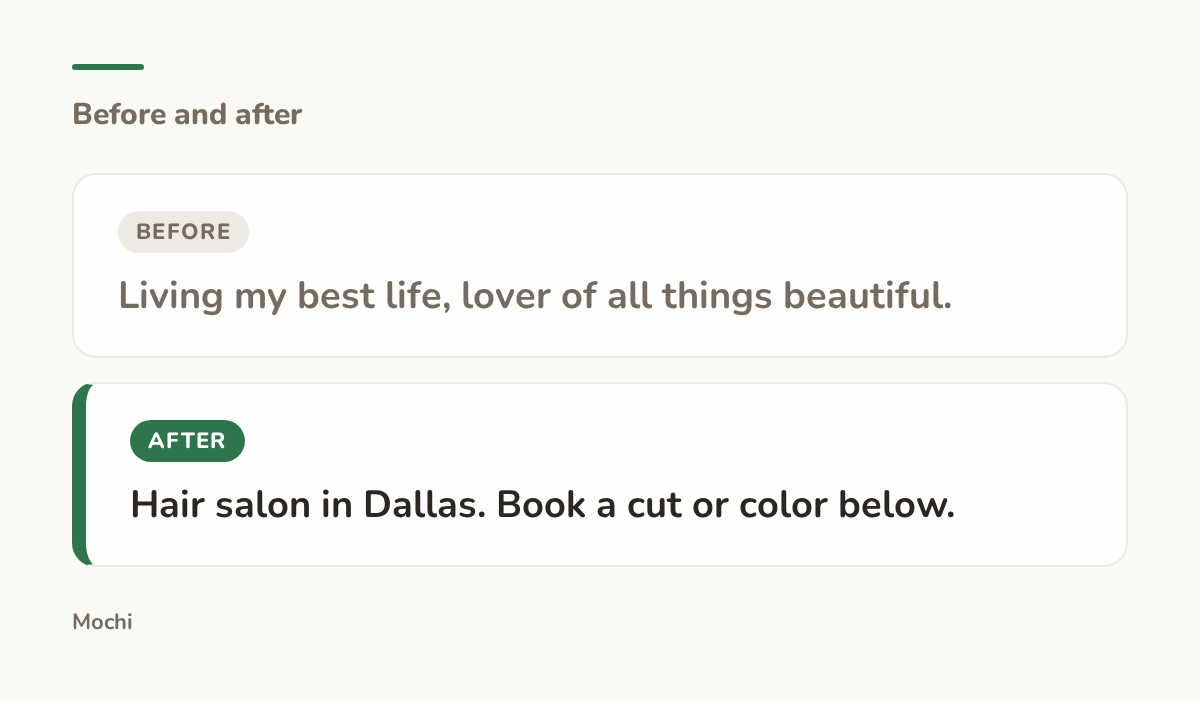
Before: Living my best life, lover of all things beautiful. After: Hair salon in Dallas. Book a cut or color below.
One tells a stranger what to do next. The other doesn't tell them anything.
That one clear action is the whole job of a bio. Everything else in it is decoration.
Turn On Shopping if You Sell Anything at All
If you sell physical products, even just a handful, Instagram Shopping lets people tap a photo and see the price and product without leaving the app. A boutique owner who tags five products in a single outfit photo turns one post into five separate chances to be bought from. Instagram's own Shopping on Instagram page walks through what you need to set it up, including a connected catalog.
Pick Three or Four Content Pillars
A content pillar is just a recurring topic you can always come back to when you don't know what to post. Four pillars are usually enough: the work itself, the people behind it, the customer's experience, and whatever helps someone decide to buy. Take a bakery: fresh bread each morning, the baker's hands doing the work, a customer's face on pickup day, and a straight answer to "do you deliver." Rotate through those four and you never stare at a blank caption box again.
Use Stories and Reels for the In-Between Moments
Stories are for the stuff that doesn't deserve a permanent post: a restock, a last-minute opening, a quick poll about which flavor to bring back. Reels are for the stuff worth someone's full attention: the transformation, the process, the moment a customer sees the finished result. A studio that saves its best lighting and its best ten seconds for a Reel, and dumps the behind-the-scenes mess into Stories, ends up with a feed that still looks intentional even on a chaotic week. Instagram's own best-practices guidance for creators is worth a look if you want the platform's current read on what it rewards, since that shifts over time.
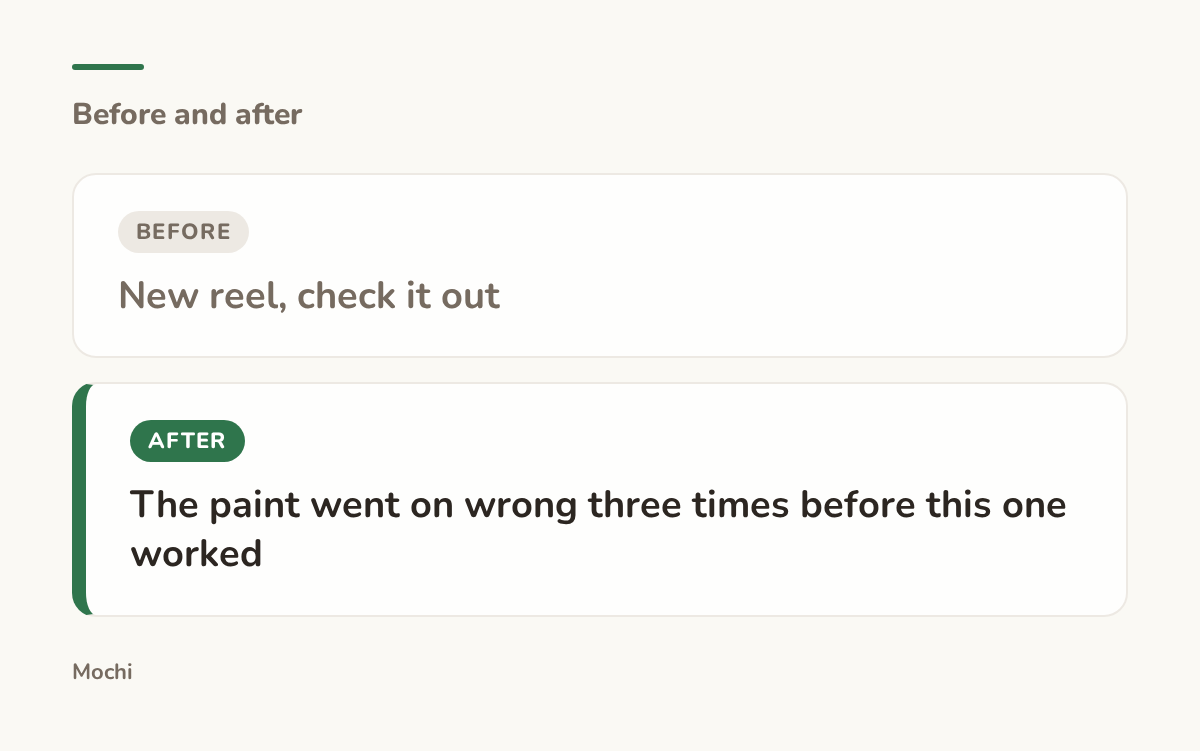
Before: New reel, check it out After: The paint went on wrong three times before this one worked
The caption that admits the mess gets watched to the end.
A caption that promises a small, specific payoff earns the extra second it takes to finish watching.
Know When to Put Money Behind a Post
Organic reach has a ceiling, and for a new account that ceiling is low. If a post is already working, a small amount of paid reach can put it in front of people who'd never have found you otherwise, especially if you can target by location, which matters more to a storefront than almost anyone else on the platform. Instagram's advertising documentation explains how the ad formats and targeting actually work before you spend anything.
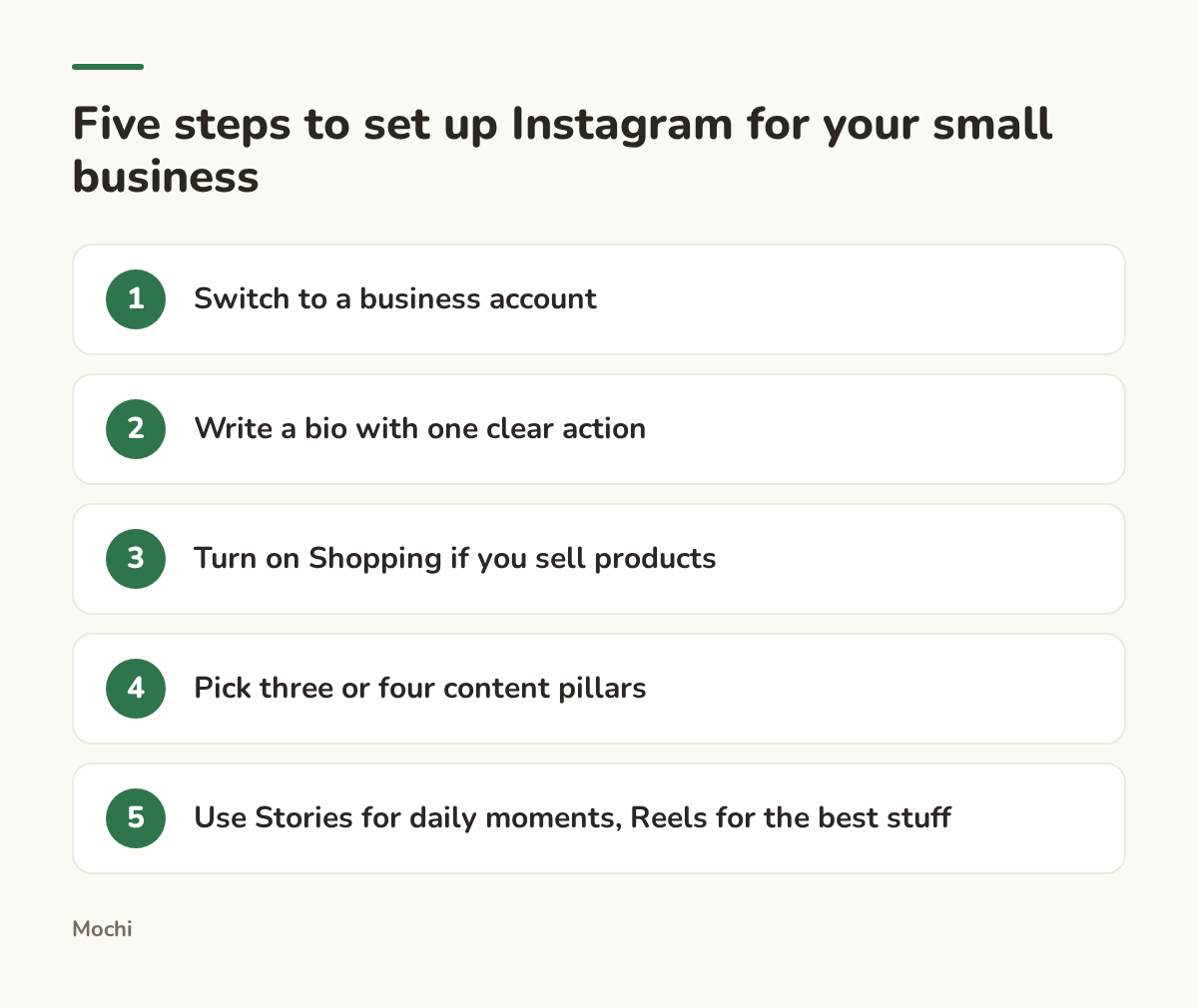
The setup work you do once, then stop thinking about.
TikTok for Small Business
TikTok isn't optional anymore for a lot of small businesses, but it rewards a different instinct than Instagram does.
Why TikTok Rewards Different Things Than Instagram
On Instagram, your existing followers see most of what you post. On TikTok, a video with zero followers can still land in front of thousands of strangers if it holds their attention, because the For You page cares about the video, not the account behind it. That means polish matters less than the first three seconds, and a slightly rough video that opens with something genuinely interesting will outperform a beautifully lit one that opens slow.
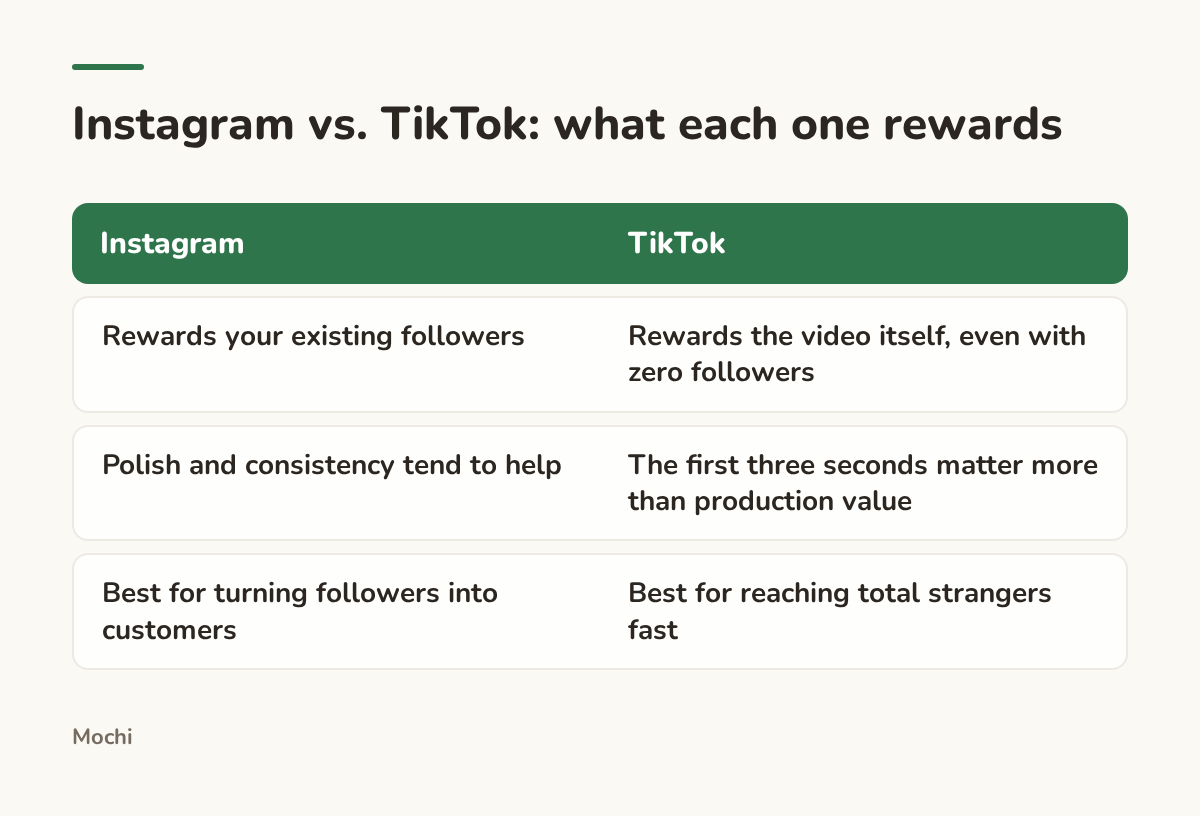
Different platforms, different instincts.
What to Actually Post as a Small Business
The businesses that do well on TikTok tend to post process, not polish: a chef plating the dish nobody's allowed to see, a mechanic diagnosing a weird noise in real time, a florist building an arrangement from a pile of loose stems. Picture a cafe owner filming the exact ten seconds the espresso machine hisses to life every morning. It's not a sales pitch, but it's the kind of small, specific, real moment that makes someone decide they want to walk in and see it for themselves.
Setting Up a Business Account on TikTok
A TikTok business account gives you analytics, a link in your bio, and access to the ad tools if you ever want them. The setup is quick: switch in settings, pick a category close to what you actually do, and fill in the same basics you did on Instagram. The content, not the account type, is what actually determines whether anyone sees it.
Building a Rhythm You Can Actually Keep
The plan that looks great in a spreadsheet and the plan you actually keep for three months are rarely the same plan. Pick a posting rhythm that survives your busiest week, not your calmest one, because the busiest week is the one that decides whether you stick with it.
A content calendar is the thing that keeps a rhythm from collapsing into "I'll post when I remember." Even a simple one, a running list of what pillar goes out and when, saves you from re-deciding the mix from scratch every Sunday night.
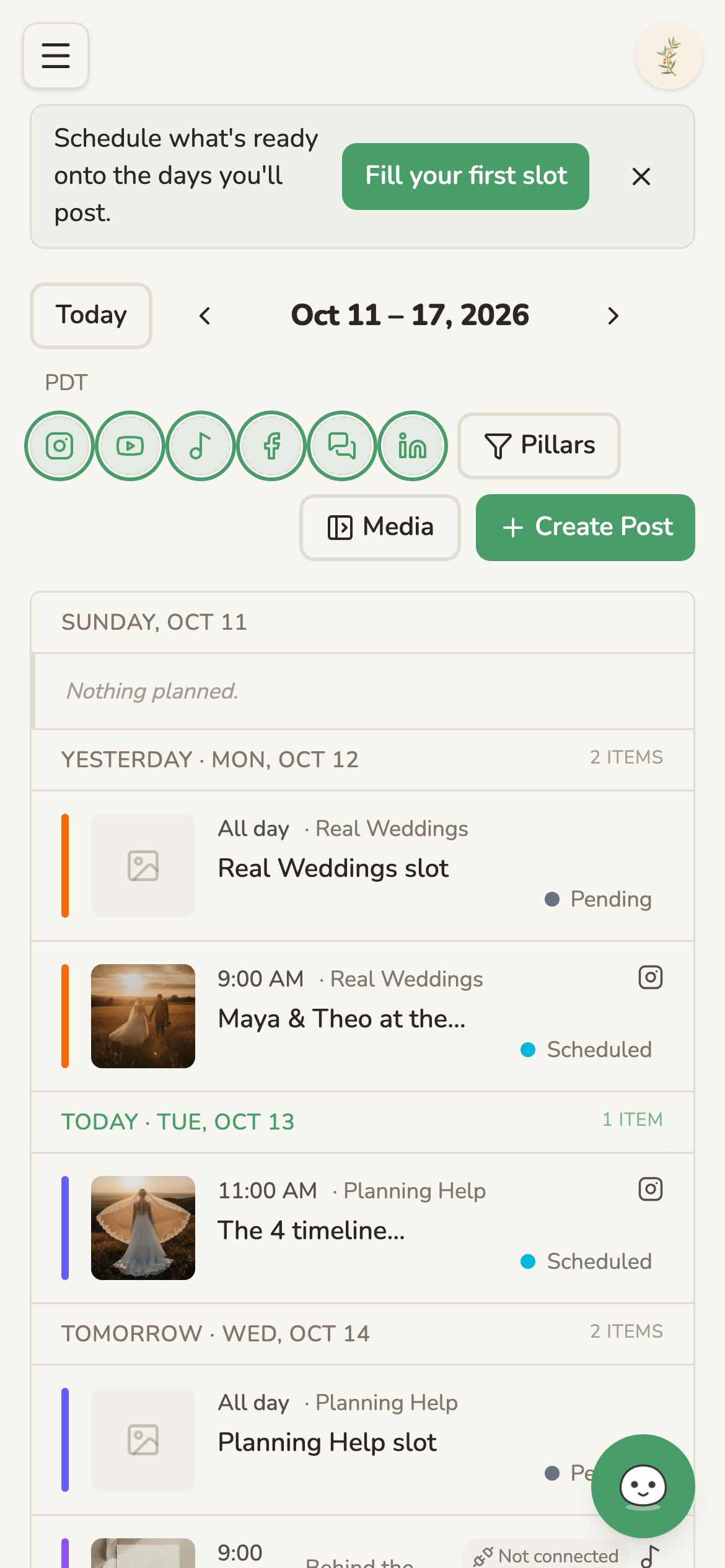
A week of posts already spread across three pillars, sitting on the calendar.
This is one of the few pieces of the work we built Mochi specifically to hold: a calendar where a week of posts lands already spread across your content pillars, instead of you staring at an empty grid trying to remember what you posted last. If a calendar like that would take weight off your week, our product tour walks through how it fits together.
Who You're Actually Reaching
Before you decide how hard to lean on either platform, it's worth knowing who's actually there. The audience on Instagram and the audience on TikTok overlap less than people assume, and they skew differently by age and by how they use the app day to day. Pew Research's ongoing data on who uses which platform is independent, current, and worth checking against your own customer base before you decide where to put your energy, especially if you're a business whose customers are a specific age range rather than "everyone."
Answering Comments and DMs Like a Real Business
A comment or a DM from a potential customer is the closest thing to someone walking up to your counter and asking a question. Treat the response time the same way. A boutique that answers "do you have this in my size" within the hour closes a sale that a next-day reply loses to a competitor's account.
Imagine a salon that gets the same question under nearly every post: how much does a color cost. Instead of answering it the same flat way each time, the owner pins one reply with a rough price range and a note that it depends on length, then points new commenters there first. The repeated question wasn't an annoyance. It was a sign of exactly what to put higher up in the bio.
Instagram's own business chat tools cover quick replies and other basics worth knowing if DMs are eating more of your day than they should.
What This Looks Like by Business
The shape changes depending on what you're actually selling, so here's what the pillars and rhythm tend to look like across a few common types of small business.
A Hair Salon
Pillars: finished looks, the process behind a tricky color, and answers to the questions every new client asks. The bio does the heavy lifting here, since most of the account's job is turning a browser into a booking.
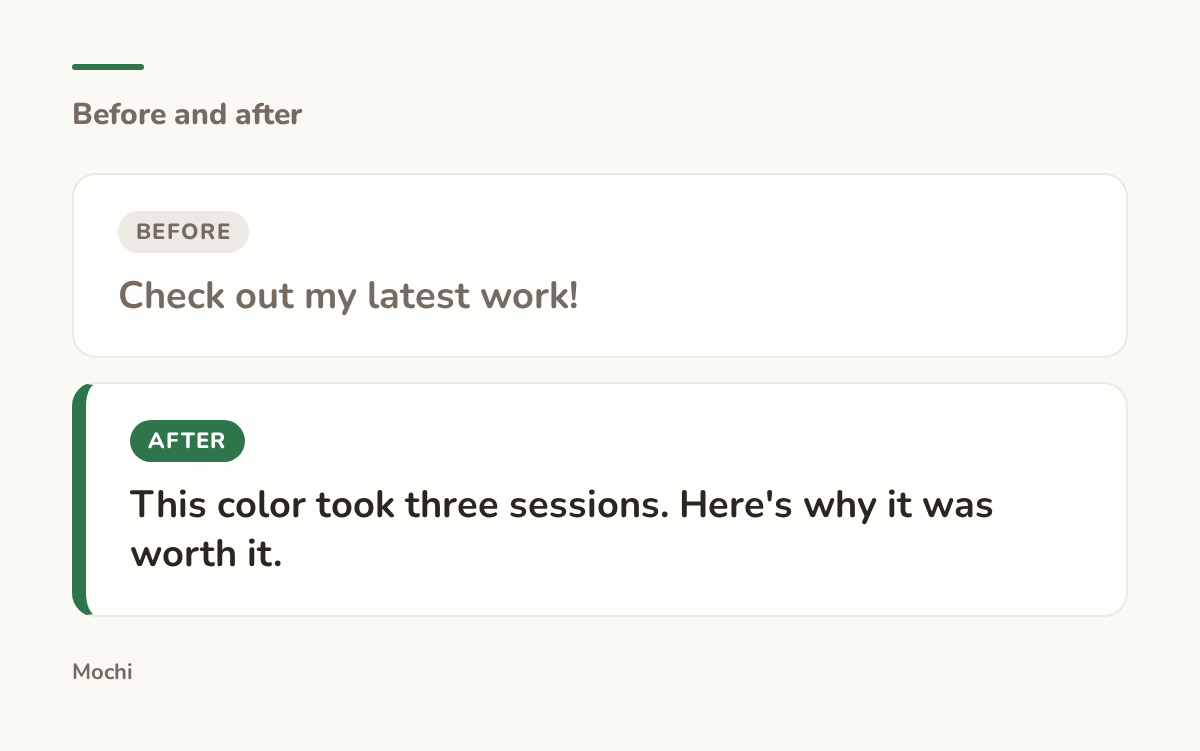
Before: Check out my latest work! After: This color took three sessions. Here's why it was worth it.
The second one gives a scroller a reason to actually read the caption.
The rewrite works because it promises a story with a payoff, not just a result.
A Restaurant or Cafe
Pillars: the dish, the room, and the people making both happen. Posting rhythm tends to follow the kitchen, busiest right before a weekend rush, quieter midweek.
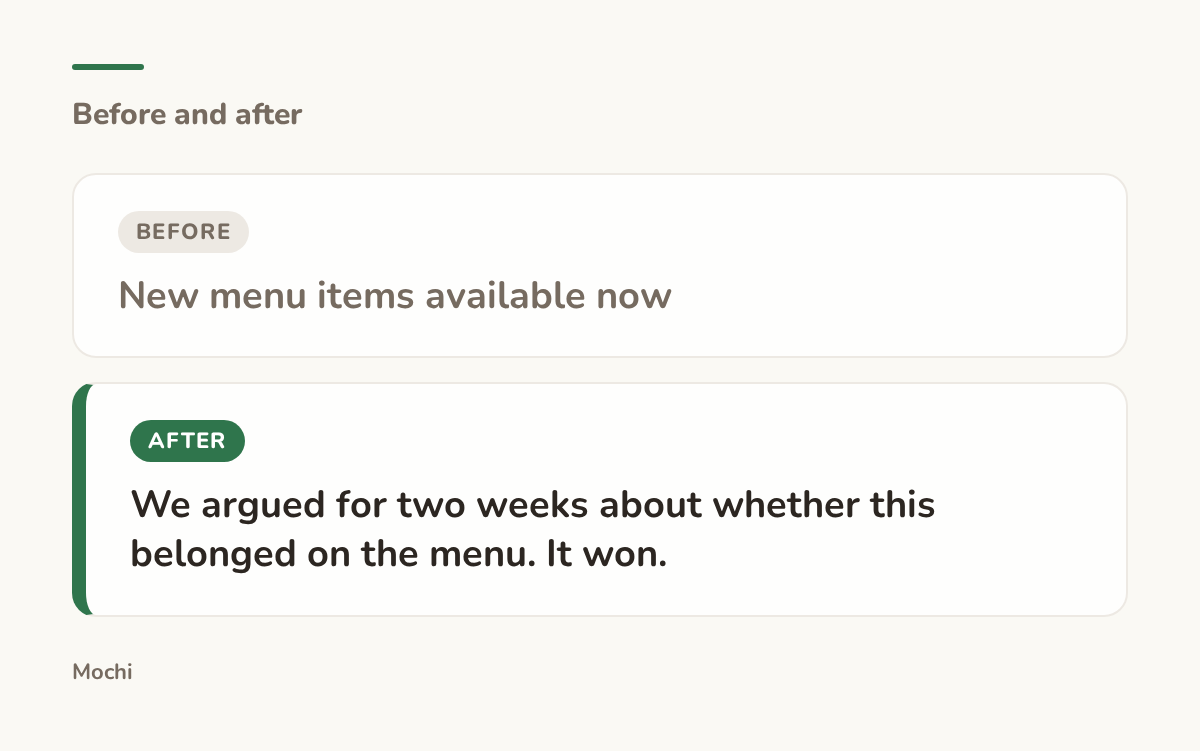
Before: New menu items available now After: We argued for two weeks about whether this belonged on the menu. It won.
A specific detail beats a generic announcement every time.
A specific, slightly odd detail like that does more work than any adjective could.
A Boutique
Pillars: new arrivals, styling the same piece three ways, and the customer wearing it out the door. Shopping tags turn almost every photo into a potential sale, which makes the setup work above worth doing properly before anything else.
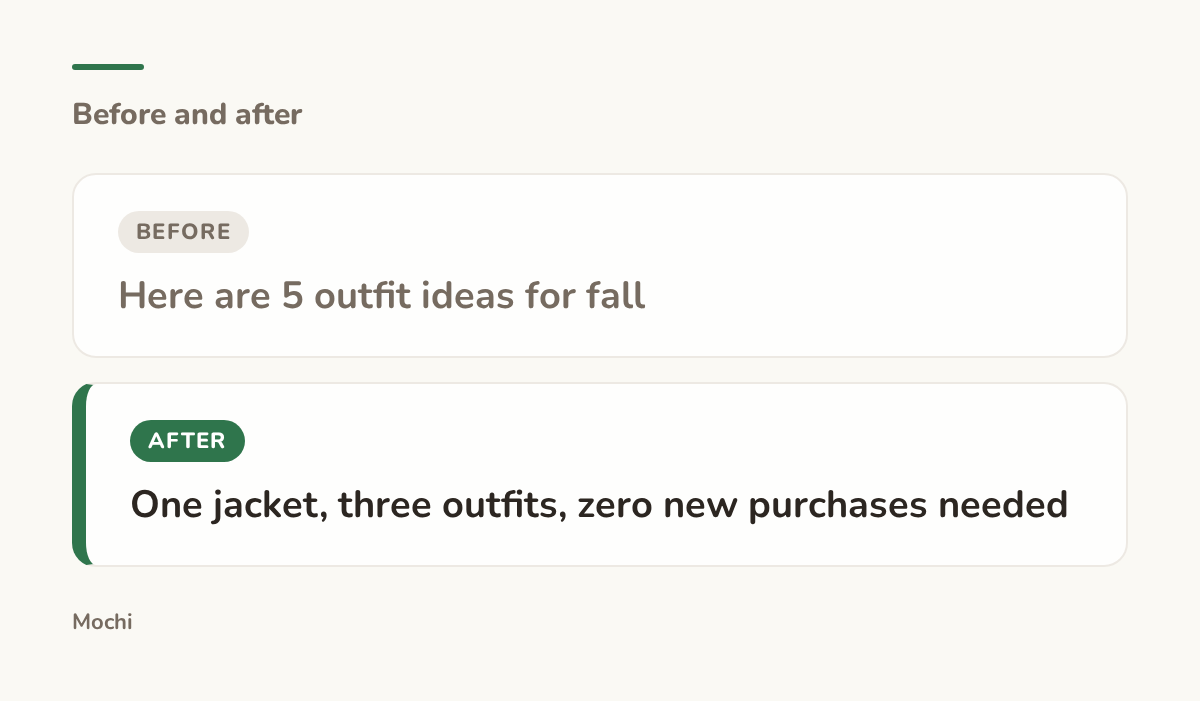
Before: Here are 5 outfit ideas for fall After: One jacket, three outfits, zero new purchases needed
The rewrite promises something useful without asking for more money.
A Real Estate Office
Take an agent whose feed used to be nothing but listing photos. The pillars that actually move people are the walkthrough Reel that shows the layout in under a minute, the neighborhood guide that answers "what's it actually like to live here," and the quick market update that gives past clients a reason to keep watching even after they've already bought.
A Studio
Picture a photography or dance studio where the pillars are the finished work, the space itself, and the people who show up every week. A studio's TikTok tends to do better with a wide shot of a full class moving together than a single polished still, because the energy of the room is the actual product being sold.
Mistakes That Quietly Cost You Reach
A few habits show up across almost every small business account that's stuck, and none of them are hard to fix once you see them. A bio that never tells a stranger what to do, a feed that only shows up when there's a sale, Shopping tags left off a photo that's clearly selling something, DMs answered the next morning instead of the same day: each one on its own looks small, but together they're most of the gap between an account that's working and one that's just sitting there. The last one is sneakier than it looks, too: borrowing a creator's posting rhythm wholesale instead of building one around what your actual business can sustain week to week.
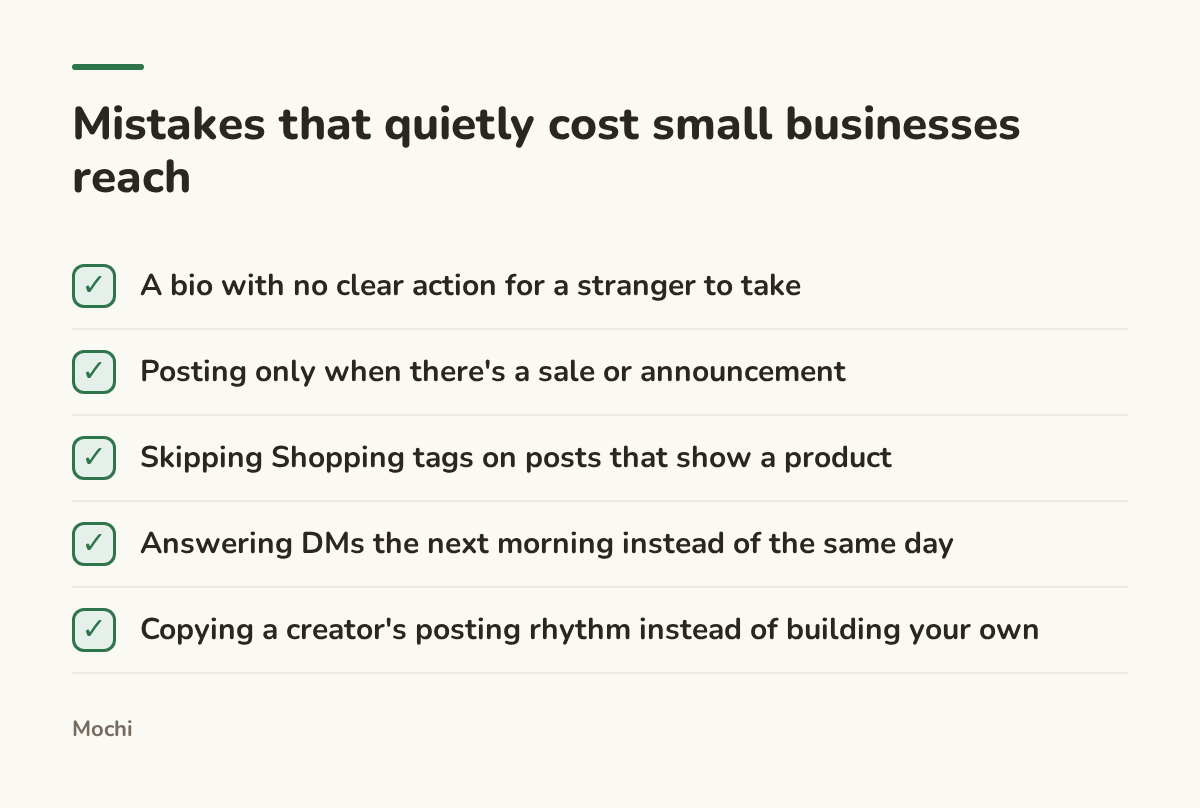
None of these take long to fix once you've spotted them.
None of this is complicated, but it is easy to drift into, especially when the person running the account is also running the business.
A storefront with a camera pointed at it only works if someone keeps pointing the camera. Get the setup right, pick a rhythm your busiest week can survive, show up for both the comments and the DMs, and the account stops being a chore tacked onto the real work and starts being part of it. What's the one thing on this list your account has been missing?
More for Small Businesses
The deeper guides for small businesses are on their way.
Part of a series
The Creator's Playbook
Evergreen craft for working creators: brand, content planning, and publishing, written by the team that builds Mochi.