 Mochi Labs
TikTok Content Ideas: The Complete Playbook
A working playbook of TikTok content ideas, plus Instagram: a simple system for never running dry, real formats to try, and hooks worth stealing.
A blank caption box and a cursor that won't blink first. That's the moment this playbook is for.
Picture a ceramicist with twenty free minutes between glaze firings and nothing filmed. Or a wedding photographer staring at a calendar that says "post today" with an empty slot under it. Different crafts, same wall: plenty of real work to show, no plan for showing it.
TikTok now reaches a large and still-growing share of US adults, according to Pew Research, and that scale cuts both ways: it's a lot of potential eyes, and a lot of competing clips. The app tends to reward showing up consistently over chasing any single viral moment, which is exactly where an idea system earns its keep.
Here's what's ahead: a short method for keeping an idea list that doesn't run dry, a set of TikTok formats worth trying, the same for Instagram, three hooks you can borrow outright, and how to carry one idea from a one-line note into something you can actually shoot.
Build an idea system before you run out
Most creators don't run out of things worth filming. They run out of a place to put the idea before it's gone. Fix the second problem and the first one mostly takes care of itself.
Step 1: Audit what already moved
Open your last ten posts on whichever platform you post to most and sort them by what actually happened: fastest watch-through, most saves, most shares, most comments asking a real question. Ignore the platform's own "best performing" label for a second and look for the pattern underneath it. A florist might find that every post showing a reject bouquet (the one that didn't make the cut) outperforms the finished arrangements. That's not luck, that's a signal about what people want to see.
Step 2: Keep a running list, not a memory
The idea you have in the shower at 7am is gone by 9am unless it lives somewhere outside your head. A simple running list works: one column for the idea, one for the format it fits, one for which pillar of your content it belongs to. It doesn't need to be clever. It needs to survive a busy week.
Step 3: Batch the shoot, not the idea
Once the list has five or six ideas in the same format, film them in one sitting instead of one at a time. A musician filming three different "how this riff came together" clips back to back will use the same light, the same setup, and a fraction of the setup time of filming them on three separate days.
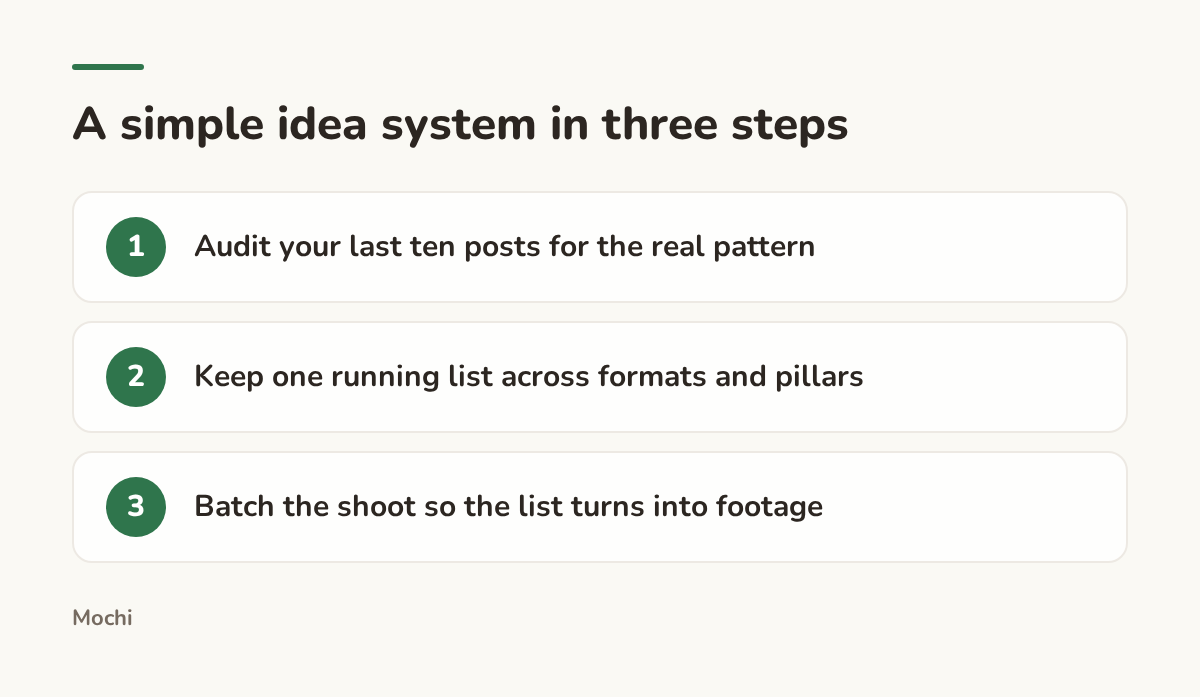
The list is the whole system. Everything else is execution.
TikTok content ideas worth stealing
TikTok rewards specificity over polish. The formats below work because they give the viewer something concrete to react to in the first second, not because they're trending this particular week.
Trend remixing, done your way
A trending sound or transition is a container, not a script. Take a baker who grabs a popular transition built for outfit changes and uses it instead for dough to loaf: same beat, same cut point, completely different payoff. The trend gets you the format and the discovery boost. Your craft fills in what makes it worth watching. TikTok's Creative Center is the place to see what's trending right now and what top videos in a given category are actually doing with it.
Point-of-view and day-in-the-life
A day-in-the-life clip works because it answers a question the audience didn't know to ask: what does this job actually look like, hour by hour. Picture a DJ filming the stretch from gear check to the last song of the night at a wedding gig: load-in, sound check, the first dance, the breakdown at 1am. None of it is dramatic on its own. Strung together, it's the clip people watch twice.
Teach what you know, fast
The fastest-moving teaching format is one mistake, fixed, in under thirty seconds. A photographer showing the exact settings swap that saved a backlit portrait teaches more in fifteen seconds than a ten-minute tutorial, because the viewer sees the before and after in the same breath.
Behind the scenes and process
Show the mess before the result. A florist's workbench covered in stems that didn't make the final bouquet is more interesting than the finished arrangement alone, because it's the part the client never sees. TikTok's Creator Academy has a running set of official tips on building this kind of process content without it feeling like a chore to produce.
Instagram content ideas that carry past the feed
Instagram asks for a different pace than TikTok even when the underlying idea is the same. Reels still want a fast cut, but carousels and Stories reward something TikTok mostly doesn't: a reason to stop and read.
Reels: the same craft, a different rhythm
A Reel can reuse a TikTok idea almost unchanged, but it tends to hold attention longer when the cut is a half-beat slower and the on-screen text carries more of the story, since Instagram audiences often watch with sound off. Instagram's own guidance for creators is a good gut check on what the platform considers engaging before you post.
Carousels for the save button
A carousel's job is to earn a save, not just a like. A real estate agent posting "5 things a home inspector always flags" as a five-slide carousel gives a buyer a reason to save it for later, which is exactly the signal that keeps a carousel showing up in other people's feeds.
Stories for the in-between moments
Stories are the place for the stuff too small for a feed post: a boutique owner running a two-option poll on which restock color to bring in, or a musician sharing a ten-second clip of a lyric that isn't quite finished yet. Nobody expects polish here, which is what makes it the easiest format to post often.
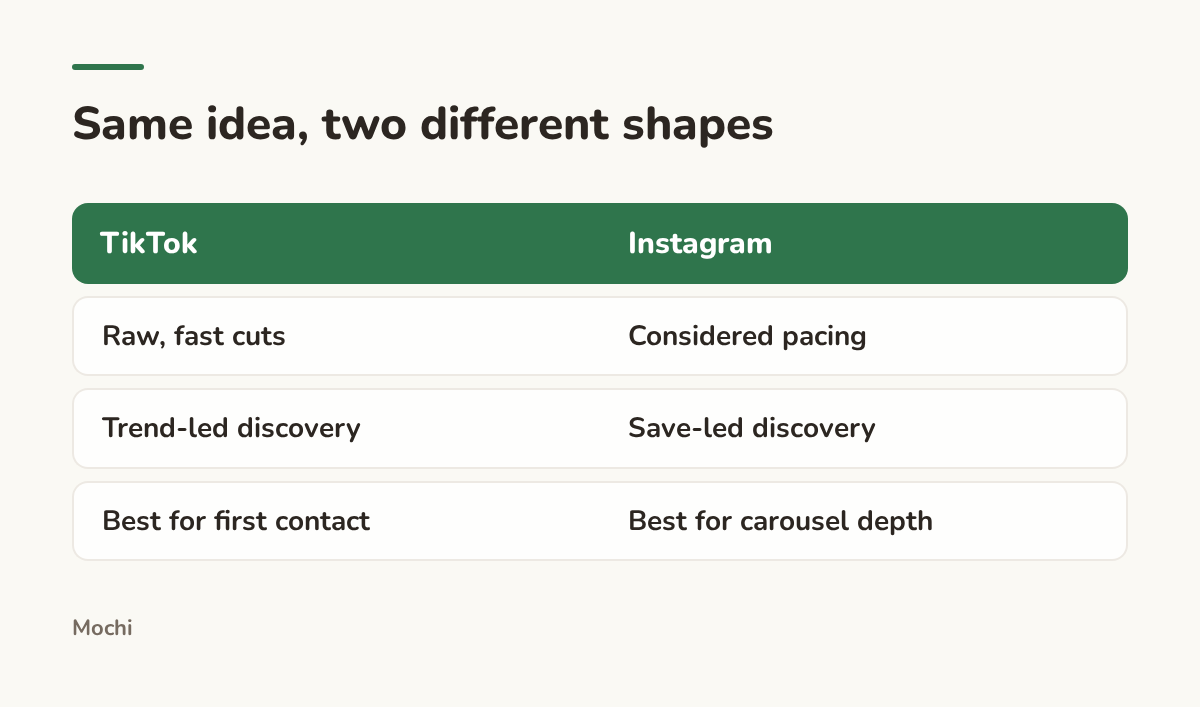
Reuse the idea. Reshape it for where it's landing.
Hooks that earn the first three seconds
A hook isn't a sentence you bolt onto the front of a video. It's the reason anyone sees the rest of it. The fix is usually the same: trade a generic opener for a specific, slightly uncomfortable truth.
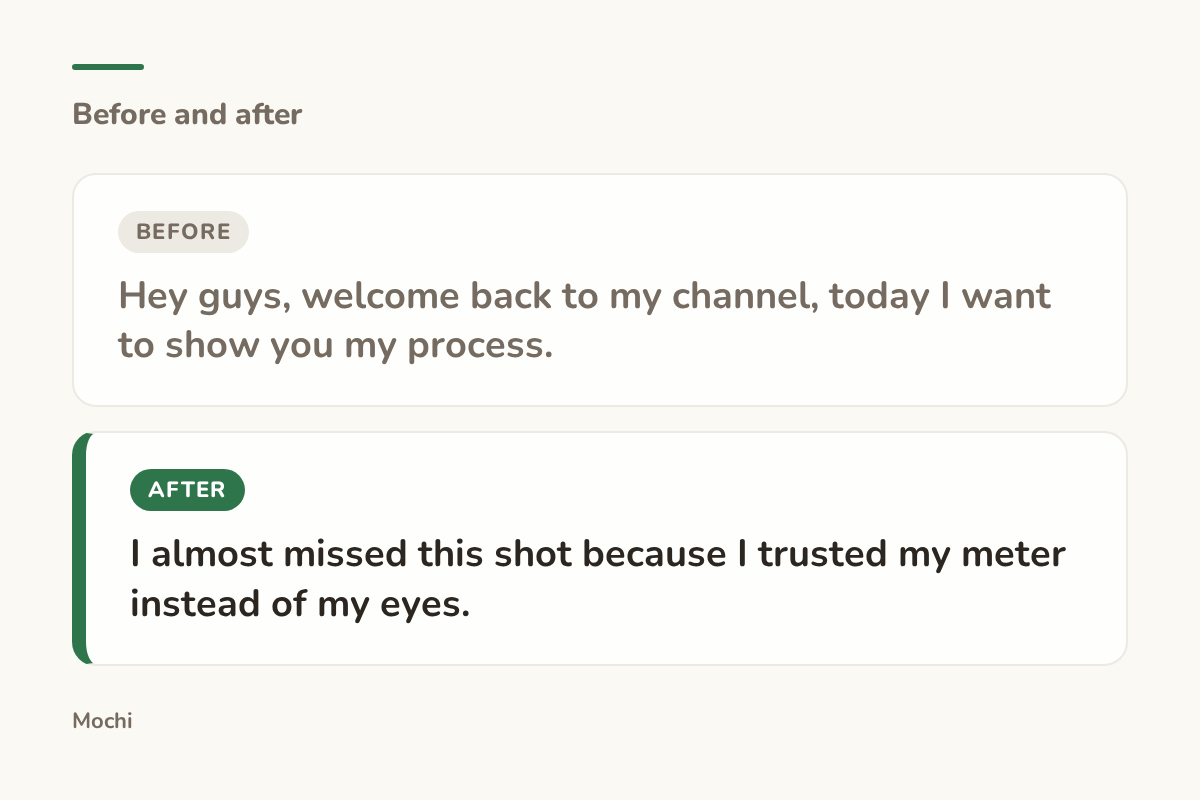
Before: Hey guys, welcome back to my channel, today I want to show you my process. After: I almost missed this shot because I trusted my meter instead of my eyes.
The rewrite works because it names a real stake (almost missing the shot) instead of announcing a topic. A viewer doesn't care that it's a process video. They care that something almost went wrong.
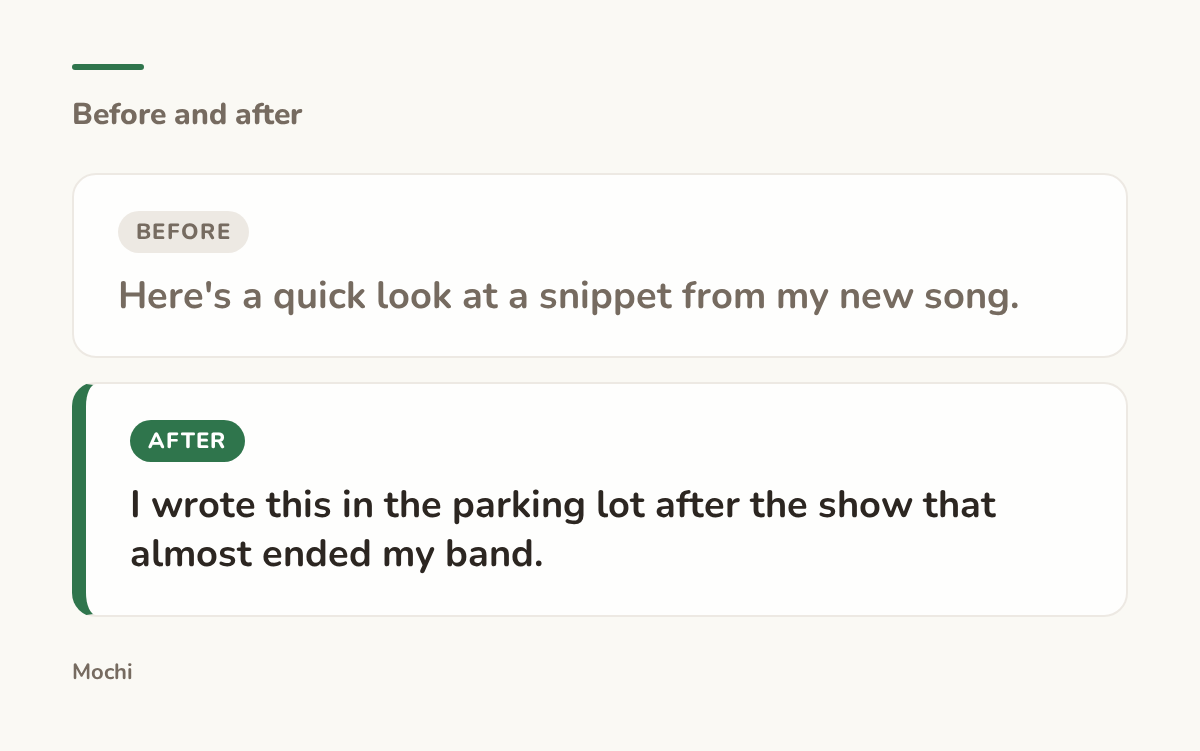
Before: Here's a quick look at a snippet from my new song. After: I wrote this in the parking lot after the show that almost ended my band.
This one works because the backstory is more specific than the music itself, and specificity is what makes a stranger stop scrolling for someone they've never heard of.
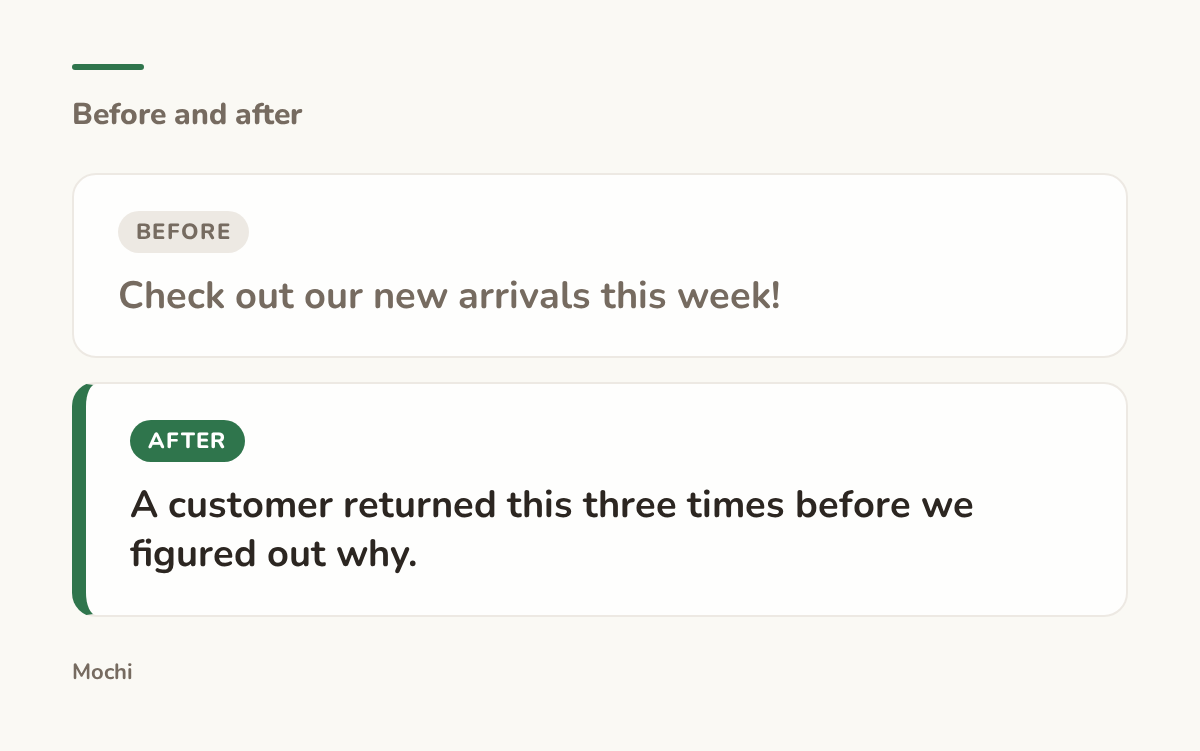
Before: Check out our new arrivals this week! After: A customer returned this three times before we figured out why.
A retail hook like this trades an announcement for a small mystery. The viewer wants to know what was wrong, and that curiosity does the work a product photo alone never could.
Turn one idea into a brief you can actually shoot
An idea on a list is a headline. It needs a few more things before it's actually shootable: an angle, a hook you can say out loud, two or three key points, and a reason for the viewer to do something when it ends. Skip any of those and the idea stays a headline on a list you'll scroll past next week.
We built Mochi to carry an idea past that headline stage. In Mochi, an idea doesn't stay a one-line note: it opens into its own brief, with hooks, key points, and a call to action, ready to produce. You can see how that works in the product if turning a backlog into something shootable is the part that keeps stalling for you.
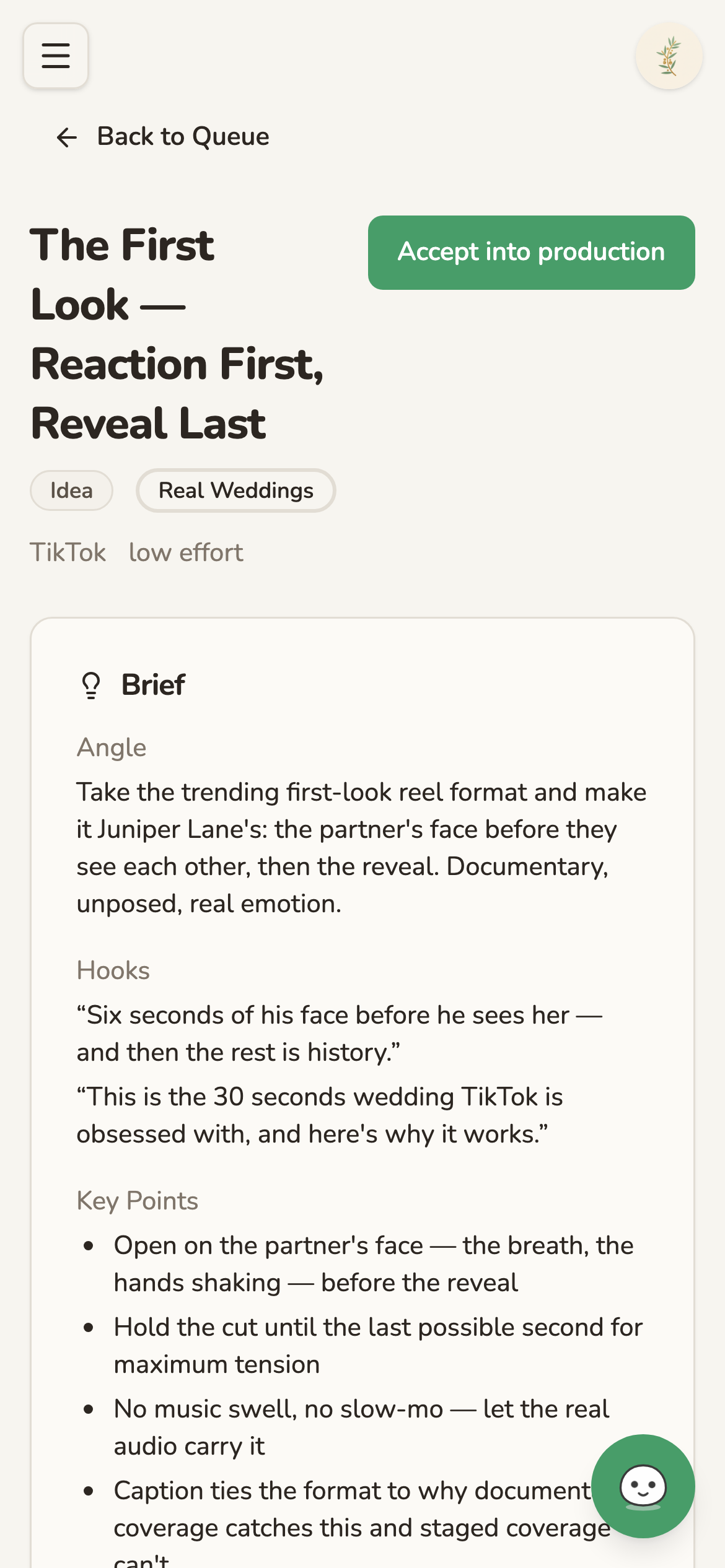
An idea open on its own page, with hooks, key points, and a call to action already written in.
None of this works if the idea never leaves the list. Pick one from this playbook, shoot it this week, and let the hook do the job the first three seconds were built for. What's the last idea you talked yourself out of posting?
More TikTok Content Ideas
More guides on TikTok content ideas are on their way.
Part of a series
The Creator's Playbook
Evergreen craft for working creators: brand, content planning, and publishing, written by the team that builds Mochi.